Browser Workflow Recording
Capture every click, input, and navigation in real time as you perform your regular tasks on any website.
- No sign-up required
- 100% Client-Side
- Ready in seconds
The Documentation Challenge
Why traditional manual approaches fail
Documenting workflows manually forces you to constantly interrupt your work to take screenshots, note down which buttons you clicked, and format instructions in a separate document. Steps are frequently forgotten.
The Flowvya Solution
How Flowvya automates the process
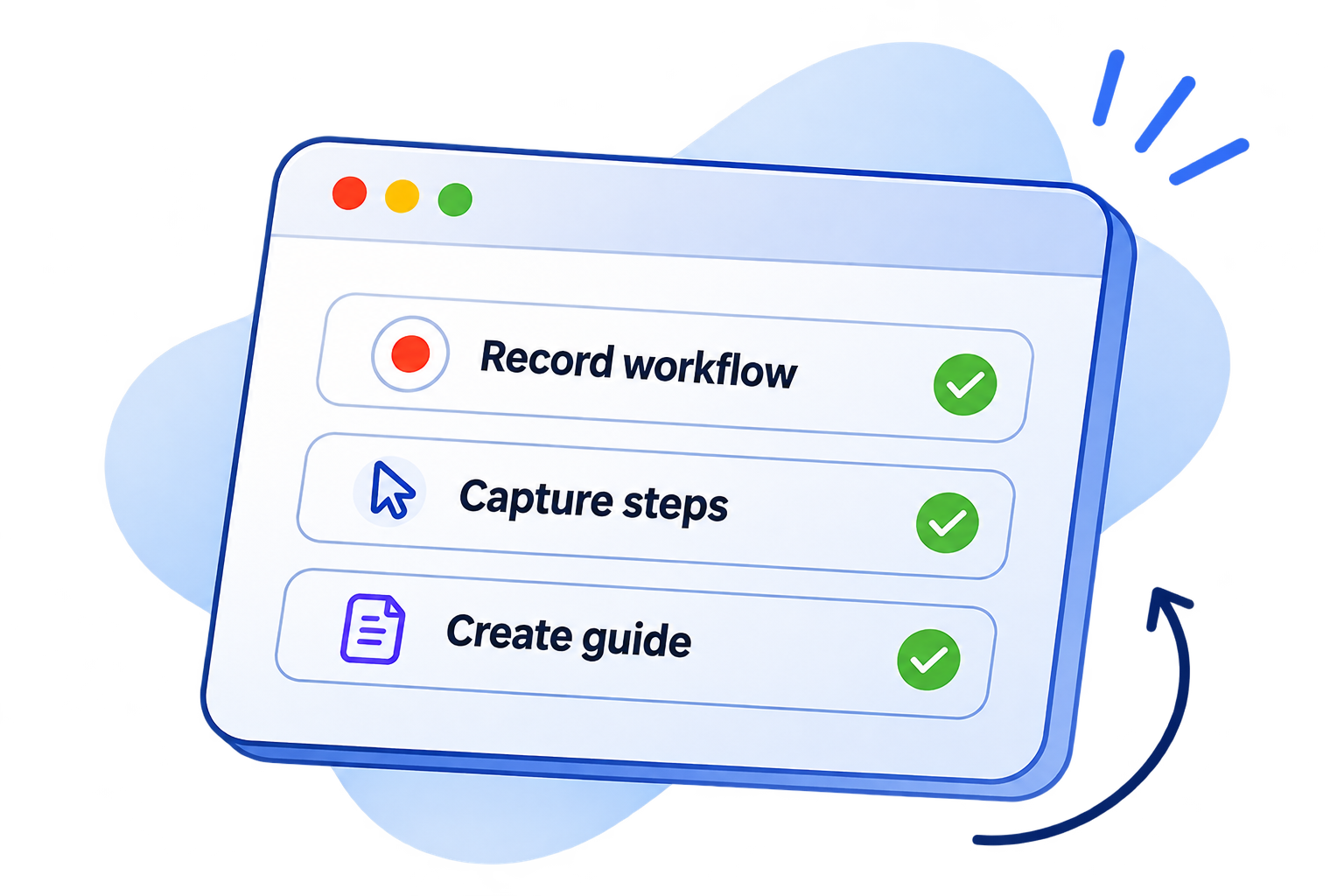
Flowvya's background engine listens for DOM interactions as you browse naturally. It logs clicked button labels, form field values, and page URLs, compiling them into a complete chronological workflow automatically.
Interactive Demonstration
Try Browser Workflow Recording live

Flowvya
SOP & Guide Creator
Extension popup ready with configurable capture toggles.
Key Capabilities
Designed for speed, clarity, and reliability
Intelligent DOM Target Detection
Calculates precise element selectors and human-friendly labels for every button, link, and menu clicked.
Multi-Domain Workflow Support
Seamlessly tracks workflows that span multiple web apps, such as Salesforce, Google Workspace, and Jira.
Pause & Resume Controls
Pause recording anytime from the floating widget to access personal tabs or retrieve passwords safely.
Global Keyboard Shortcuts
Press Alt + Shift + S to start or finish recording instantly without clicking through menus.
Zero Performance Overhead
Lightweight background event listeners that never slow down your host web applications.
Form & Keystroke Logging
Captures typed inputs and associates them with corresponding field labels automatically.
Questions & Answers
Frequently Asked Questions about Browser Workflow Recording
Yes. Flowvya operates directly within your local browser, meaning it works on local development servers (localhost), staging environments, and internal company intranets without requiring external network access.
Explore Related Features
Ready to use browser workflow recording in your browser?
Install Flowvya for Chrome today. It is 100% free with no registration required.